iPhone · iPad · CarPlay
A mileage log that keeps itself
The app notices when you set off and records the drive without you touching anything. At the end of the month the paperwork is already done — export it as a PDF and hand it over.
Free, you keep the last 7 days of drives for one vehicle. Full history, several cars and export come with a subscription of 49 Kč per month.
From the app
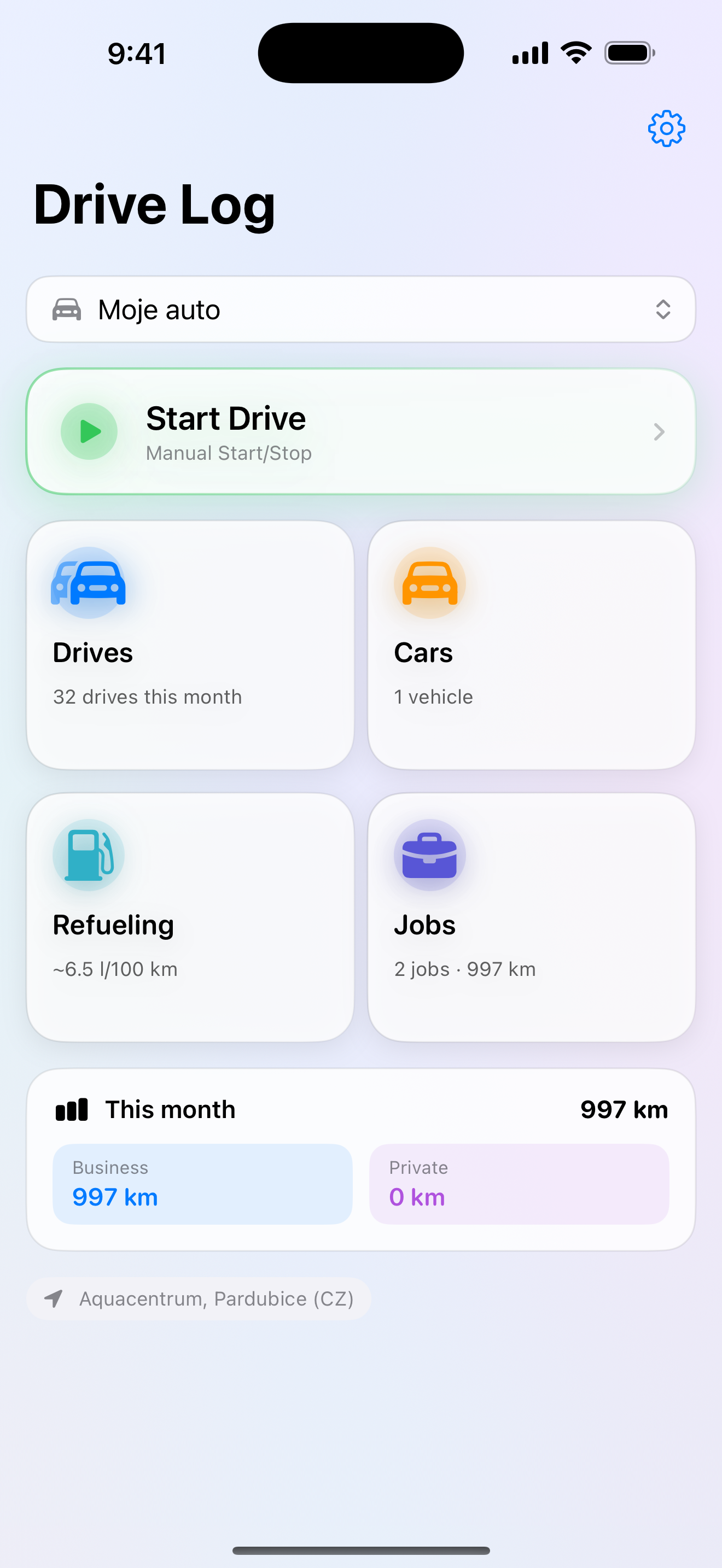
Everything important at a glance.
Review drives, assign them to jobs and prepare an export. Click a screenshot to open it larger.
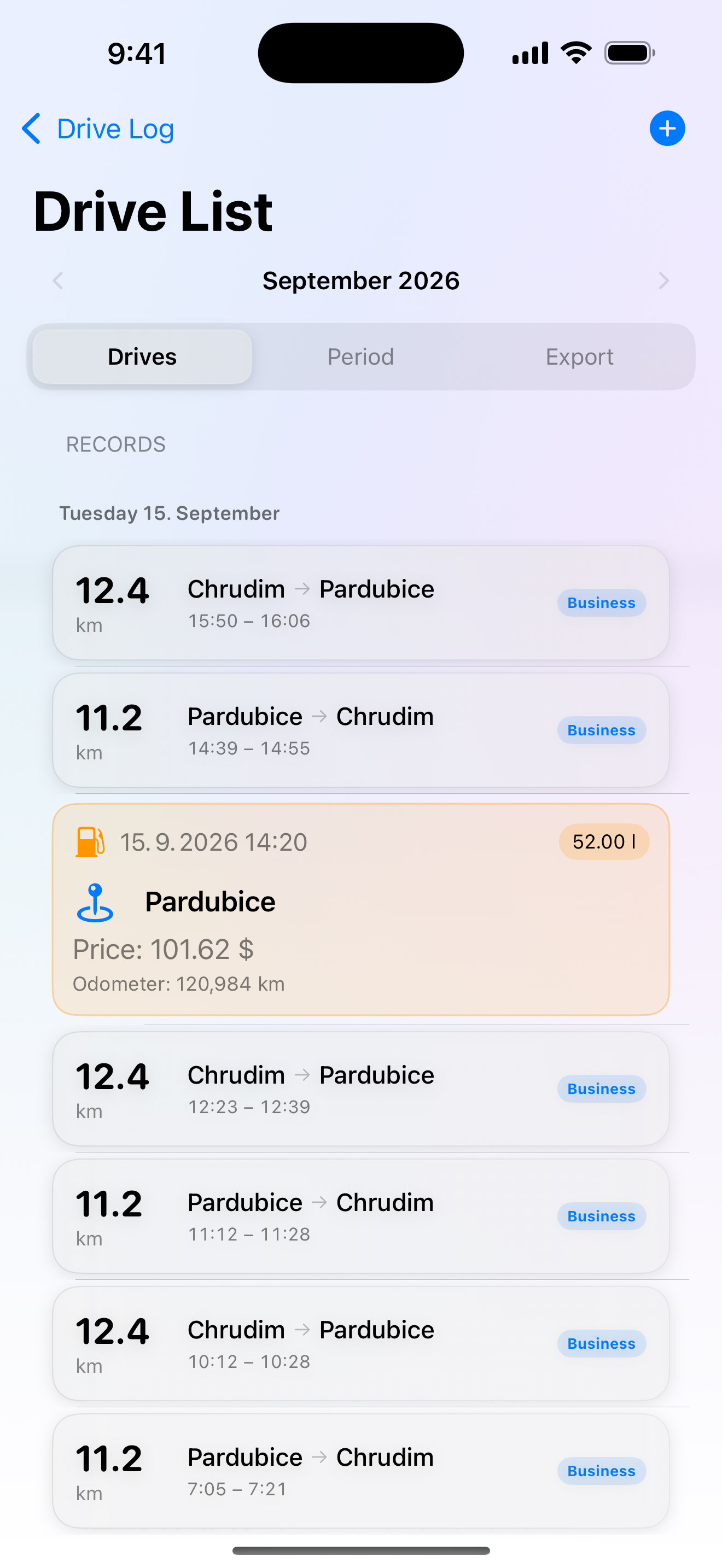
Every drive has its place
Routes, distance and refuelling in one list, clearly grouped by day.
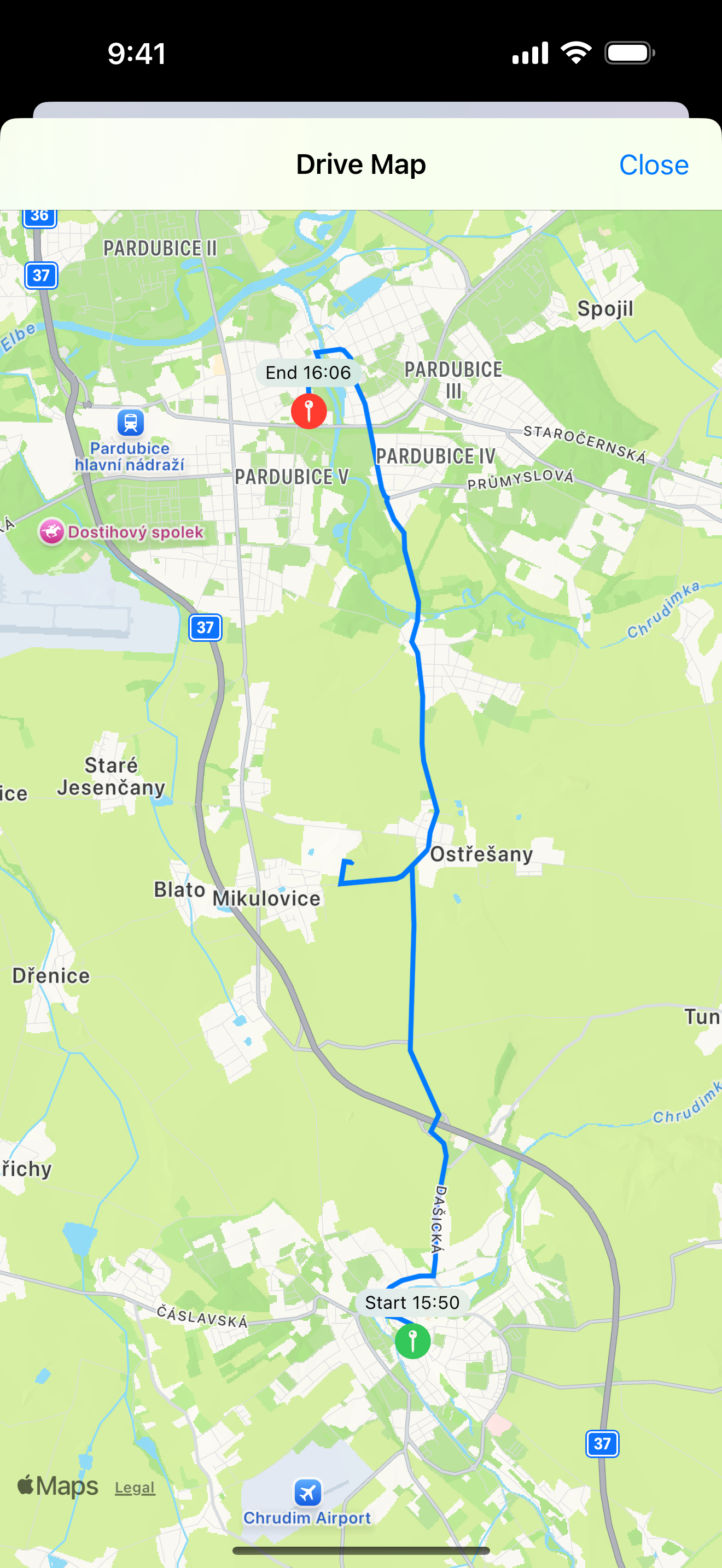
The route you actually drove
The map shows the recorded track with its start and end. Distance is counted along the road, not as a straight line.
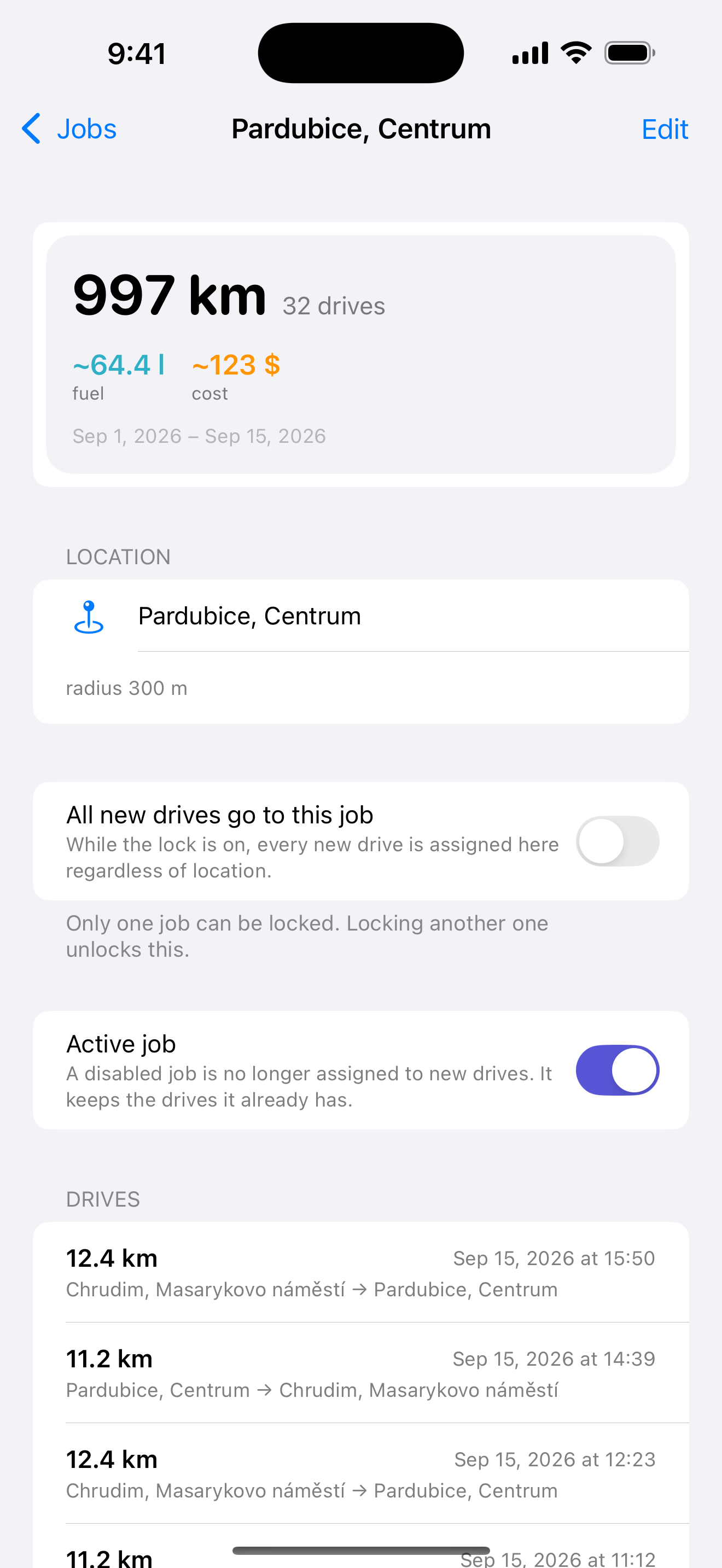
What each job cost
A job shows the distance driven, an estimate of fuel used and money spent, and the drives the summary is built from.
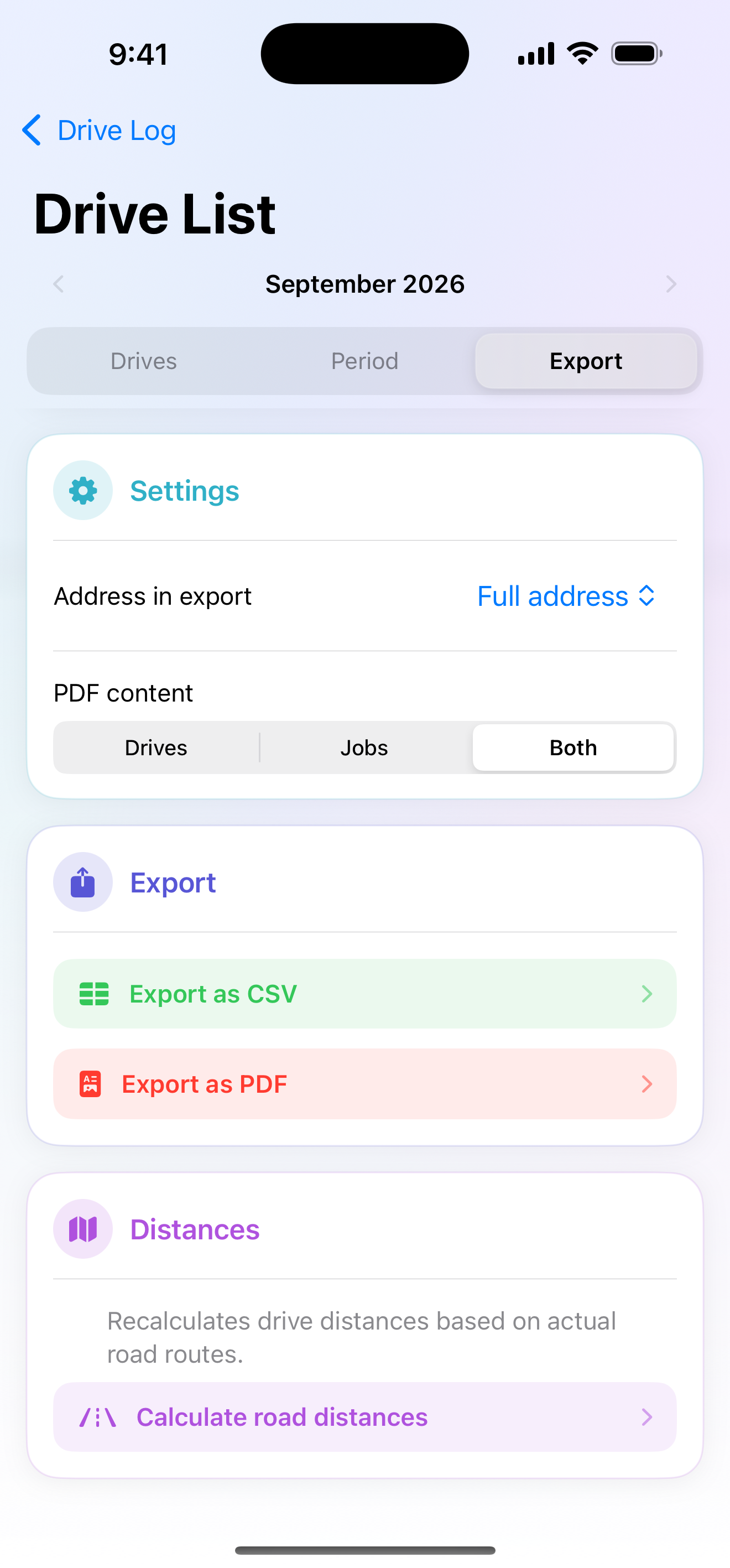
Ready for your accountant
Choose the address format and PDF contents. PDF and CSV export are in one place.
What the app does
-
Drives start on their own
When the car pulls away, or when CarPlay or the car's Bluetooth connects. Route, time, start and end address and real road distance are all captured — not straight-line distance.
-
Confirm, don't retype
Every automatically recorded drive waits for your approval and only counts towards the export once you give it. Nothing disappears, and nothing is written behind your back.
-
Business and private
One tap sets the purpose of a drive. Each vehicle remembers what is usual for it, so most of the time you change nothing.
-
Several cars, each with its own drives
A car is recognised by its CarPlay or Bluetooth unit, so drives land where they belong. If they still end up in the wrong place, you can move them between vehicles in bulk.
-
Export to PDF and CSV
A mileage log in the shape an accountant expects: date, route, purpose, odometer reading, distance and a column for notes.
-
Fuel and consumption
Log fill-ups with price and litres, each in a different currency if you like. The app works out average consumption.
-
Jobs
Name the places you drive to regularly. When a drive ends near a job, its name is filled in for you. When two jobs share one spot, the app does not guess and leaves the choice to you.
-
CarPlay and the lock screen
On the car's display you can see that a drive is running and which vehicle it belongs to. A widget and a Live Activity show the distance without opening the app.
Privacy
There is no server for your drives to go to
A mileage log shows where you were, when, and who you met. That is why the whole app is built so that not even we can reach that data.
- Drives are stored on your device and in your own iCloud, which only your Apple Account can open.
- The app has no server of ours and sends us nothing.
- No ads, no analytics, no third-party SDKs, no tracking across apps.
- iCloud is there for two reasons only: so the same data shows up on your iPhone and iPad, and so you don't lose the log if a device breaks or goes missing.
- Addresses and route distances are worked out by Apple Maps — coordinates reach it exactly as they would during ordinary navigation. We pass them to nobody else.
What it costs
Free
Free
- Recording of new drives for one active vehicle
- Records from the last 7 days
- Watermarked PDF and CSV for the last 7 days
- Automatic detection, fuel, jobs and CarPlay
Premium
$3.99 per month
or $29.99 per year — 37 % less, with the first month free
- Unlimited vehicles
- Full history with no seven-day limit
- PDF without a watermark and CSV for the whole history
- Custom PDF header with your company details
Prices shown apply to the United States. In other countries the matching App Store price applies and the app shows it before you confirm the purchase. The free month is available on the yearly plan only and eligibility is verified by the App Store. The subscription renews automatically until you cancel it in your Apple Account settings. Older data is not deleted when a subscription ends; full access and export require Premium. Details are in the terms of use.
Technical details
- Devices
- iPhone and iPad
- System
- iOS and iPadOS 18.0 or later
- CarPlay
- supported for displaying the active drive and vehicle
- Bluetooth
- optional vehicle recognition via the car audio unit
- Automatic detection
- requires Always Location and Motion & Fitness permissions
- Widgets and Live Activity
- require iOS 26.2
- Languages
- Czech, English, German, Slovak, Polish, Hungarian, Ukrainian, Russian
- Sync
- iCloud (the user's private database)
- Identifier
- cz.railcom.travelsbook